Now that we have already learned the three essential components of Handy, we can now proceed and create a control. Here is a list of available controls that you can use.
Allows users to choose an audio from the WordPress Media Library.
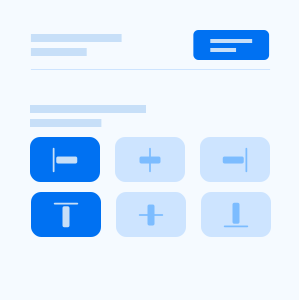
Allows users to select the horizontal and vertical alignment of an element using a visual user interface.
Allows users to select an angle using a visual user interface.
Allows users to select one option from a group of related buttons.
Allows users to switch between true or false options.
Allows users to select one or more options from a set of defined choices.
Allows users to select one or more options from a group of related pills.
Allows users to write a code based on a defined programming language.
Allows users to select a color by using a visual color user interface.
Allows users to select a color from a predefined palette of colors.
Allows users to write a formatted custom text and HTML tags, along with media files.
Allows users to use a form element utilized for incrementing and decrementing a number.
Allows users to select a WordPress Dashicons using a visual picker user interface.
Allows users to select a date or range of dates using a visual picker user interface.
Allows users to modify size, padding and margin of an element.
Allows users to select a post from a certain post type using a dropdown menu.
Allows users to select a page using a dropdown menu.
Allows users to select a post using a dropdown menu.
Allows users to select a shadow and highlight color by using a visual color user interface.
Allows users to enter and modify an email address.
Allows users to choose a file from the WordPress Media Library.
Allows users to structure multiple controls into a single group.
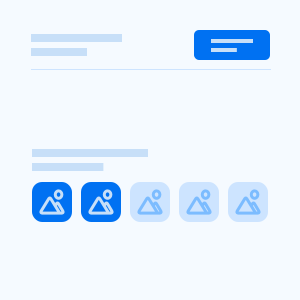
Allows users to select multiple options from a list of options displayed on image buttons.
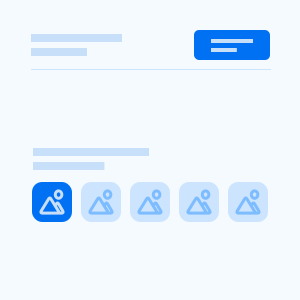
Allows users to select one option from a list of options displayed on image buttons.
Allows users to choose an image from the WordPress Media Library.
Allows users to add a HTML markup in Theme Customizer Sidebar.
Allows users to enter and modify a number.
Allows users to select one option from a list of options displayed on radio buttons.
Allows users to make selection from a range of numeric values.
Allows users to structure a replicable group of controls.
Allows users to choose from a menu of options.
Allows users to enter or modify a size with an appropriate size unit.
Allows users to rearrange the order of a list of options by dragging and dropping an option.
Allows users to switch between on and off states, and can also set an appropriate label for each state.
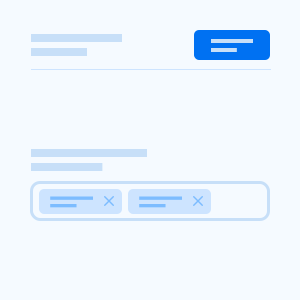
Allows users to enter multiple values as tags into a text field.
Allows users to enter multiple values as tags into a text field with a menu of options.
Allows users to enter and modify single line of text.
Allows users to enter and modify multiple lines of text.
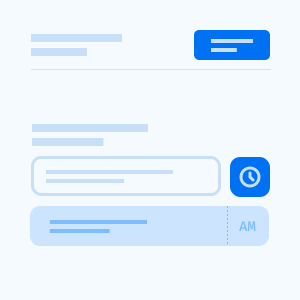
Allows users to select a time using a visual picker user interface.
Allows users to switch between true and false states.
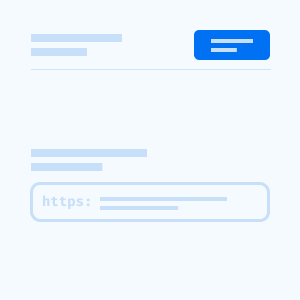
Allows users to enter and modify an url.
Allows users to choose a video from the WordPress Media Library.